Set Appliance State:
| WARNING! - Mains voltage is expected during test follow TOPs P4 live testing procedure |
Observation:
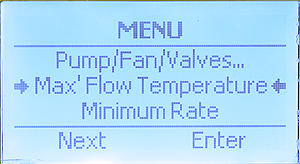
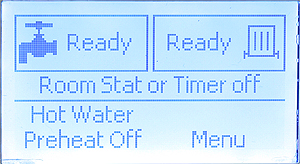
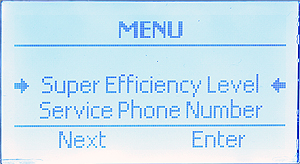
to enter the installer menu. (1)
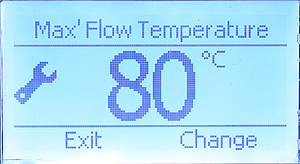
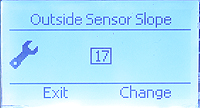
Adjust by required pressing the "Change" button. (4)
Once complete press the exit button
to return to the default screen.
Repeat the process for "Outside Sensor Slope" setting.
Default slope setting is 17. Higher values will
result in higher boiler flow temperatures.