Set Appliance State:
| Isolate Mains Power to appliance as per TOPs P4 |
G.C.Number 47 348 18
Case removal
Front panel
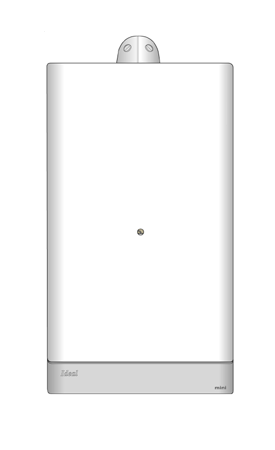
Undo the two screws in the top and lifting the panel to clear side lugs.
Side panel
Undo the three screws at bottom of appliance on the bottom edge, sliding the panel out at the bottom and then up to clear the lugs on the top.
Note:
This model is only applicable if you are working on the 2 PCB version.
If this model is used for the 1 PCB version it will lead to a mis-diagnosis.
Case removal
Front panel
Undo the two screws in the top and lifting the panel to clear side lugs.
Side panel
Undo the three screws at bottom of appliance on the bottom edge, sliding the panel out at the bottom and then up to clear the lugs on the top.
Note:
This model is only applicable if you are working on the 2 PCB version.
If this model is used for the 1 PCB version it will lead to a mis-diagnosis.