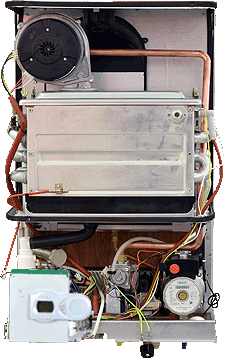
Set Appliance State:
| WARNING! - Mains voltage is expected during test follow TOPs P4 live testing procedure |
Observation:
Enter the appliances installer mode to monitor the primary thermistor reading as the appliance operates; click here for how to do this.
Run the hot water tap with a low flow rate of approximately 5 l/min and monitor the temperature shown on the display, allow the appliance to reach the highest possible stable operating temperature. (this may take some time and you may have to adjust the DHW flow rate slightly to achieve this)
Turn the hot water tap off and continue to observe the temperature shown on the display for 1 minute.
Does the temperature exceed 90°C after the hot water tap has been turned off?
To exit the installer mode when the test is complete press and hold the "reset" button for 12 seconds.
Run the hot water tap with a low flow rate of approximately 5 l/min and monitor the temperature shown on the display, allow the appliance to reach the highest possible stable operating temperature. (this may take some time and you may have to adjust the DHW flow rate slightly to achieve this)
Turn the hot water tap off and continue to observe the temperature shown on the display for 1 minute.
Does the temperature exceed 90°C after the hot water tap has been turned off?
To exit the installer mode when the test is complete press and hold the "reset" button for 12 seconds.