HOW TO ACCESS THE PARAMETER SERVICE CODE
None
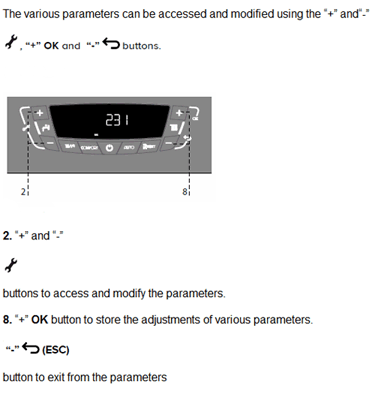
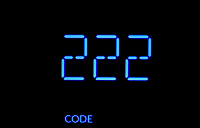



1. Press the + and - hot water temp buttons simultaneously for 5 seconds '222' will appear on the display.
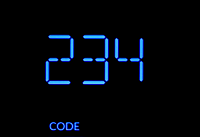
2. Press the + hot water temp button until '234' is selected, this is the service code which allows access to view and modify the appliance parameter settings.
3. Press the + 'OK' central heating temp button, the display shows the first quick setting 'GAS'
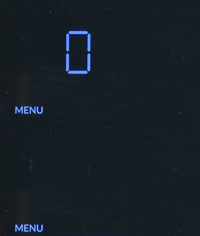
4. Press the + hot water temp button until the display shows 'MENU' Press the + 'OK' central heating temp button, menu 0 will now flash on the display.