HOW TO ACCESS AND MODIFY THE PARAMETERS
None
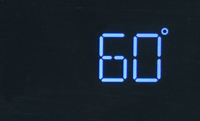
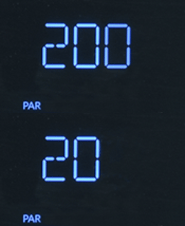
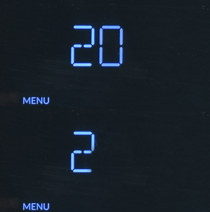
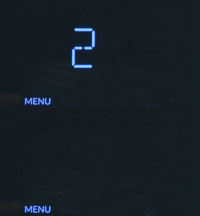

1. Press the + HW temp button until '2' flashes on the display, this is the parameter menu. If you need to access a different menu then simply press the + or - HW temp buttons until the desired number flashes.
2. Press the + 'OK' CH temp button, the second digit '0' flashes, this is the parameter sub-menu, to select a different sub-menu simply press the + or - HW temp buttons until the desired number flashes.
3. Press the + 'OK' CH temp button, the third digit '0' flashes, this is the parameter, to access a different parameter simply press the + or - HW temp buttons until the desired number flashes.
Sub-menu
Menu
Parameter
Parameter value
4. Press the + 'OK' CH temp button, the current parameter value will appear on the display, press the + or - HW temp buttons to change the value, once modified press the + 'OK' CH temp button. To exit press the - 'Esc' CH temp button 5 times.
Checking multiple parameters;
Instead of exiting the parameters by pressing the Esc button 5 times and starting all over again, press the Esc button until the relevant menu / sub menu flashes then modify as required.
For further guidance on parameters click here to return to ADAPT
Instead of exiting the parameters by pressing the Esc button 5 times and starting all over again, press the Esc button until the relevant menu / sub menu flashes then modify as required.
For further guidance on parameters click here to return to ADAPT