HOW TO ACCESS THE PARAMETER SERVICE CODE AND MENU 0
None
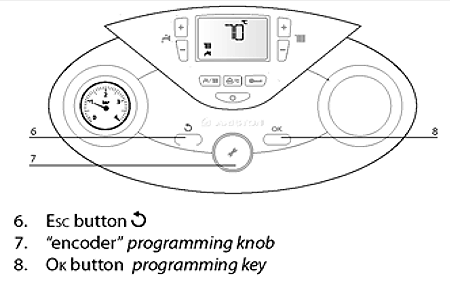
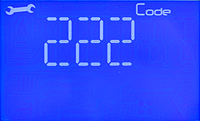

1. Press the Esc and OK buttons simultaneously '222' will appear on the display.
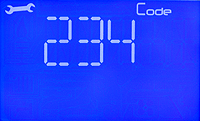
2. Turn the encoder in a clockwise direction to select code '234', this is the service code which allows access to view and modify the appliance parameter settings.
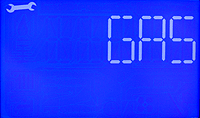
3. Press the OK button and the display shows 'GAS'
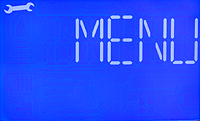
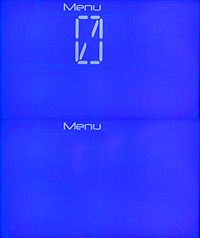
4. Turn the encoder until the display shows 'MENU', Press the OK button, menu 0 will now flash on the display.