HOW TO ACCESS AND MODIFY THE PARAMETERS
None

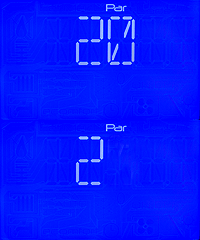

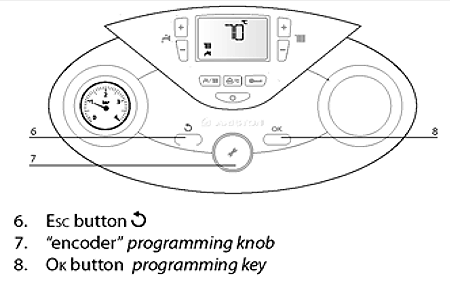
1. Rotate the encoder until '2' flashes on the display, this is the parameter menu. If you need to access a different menu then simply rotate the encoder until the desired number flashes.
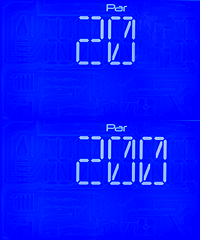
2. Press the OK button, the second digit '0' flashes, this is the parameter sub-menu, to select a different sub-menu simply rotate the encoder until the desired number flashes.
3. Press the OK button, the third digit '0' flashes, this is the parameter, to access a different parameter simply rotate the encoder until the desired number flashes.
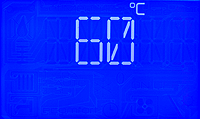
4. Press the OK button, the current parameter value will appear on the display, rotate the encoder to change the value, once modified press the OK button to save. To exit press the Esc button 5 times.
Menu
Sub-menu
Parameter
Parameter value
Checking multiple parameters;
Instead of exiting the parameters by pressing the Esc button 5 times and starting all over again, press the Esc button until the relevant menu / sub menu flashes then modify as required.
For further guidance on parameters click here to return to ADAPT
Instead of exiting the parameters by pressing the Esc button 5 times and starting all over again, press the Esc button until the relevant menu / sub menu flashes then modify as required.
For further guidance on parameters click here to return to ADAPT