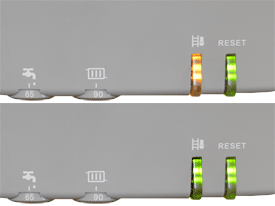
Setting the appliance to full load;
1. Press the sweep / status button for 3 seconds.
The sweep / status button illuminates orange and will blink green briefly; Part load is set.
2. Press the sweep / status button twice.
The sweep / status button illuminates orange and will blink off briefly twice; Full load is set.
Setting the appliance to part load;
1. Press the sweep / status button briefly.
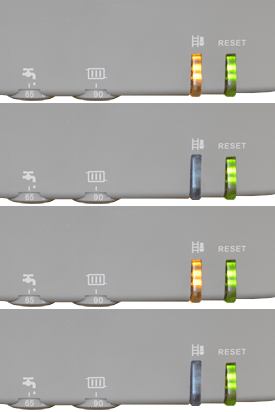
The sweep / status button illuminates orange and will blink green briefly; Part load is set.
1. Press the sweep / status button for 3 seconds.
The sweep / status button illuminates orange and will blink green briefly; Part load is set.
2. Press the sweep / status button twice.
The sweep / status button illuminates orange and will blink off briefly twice; Full load is set.
Setting the appliance to part load;
1. Press the sweep / status button briefly.
The sweep / status button illuminates orange and will blink green briefly; Part load is set.