Set Appliance State:
| Isolate Mains Power to appliance as per TOPs P4 |
Gain access to the display PCB
Release the 2 clips on the facia and lower the panel
Release the 2 clips on the facia and lower the panel
Observation:
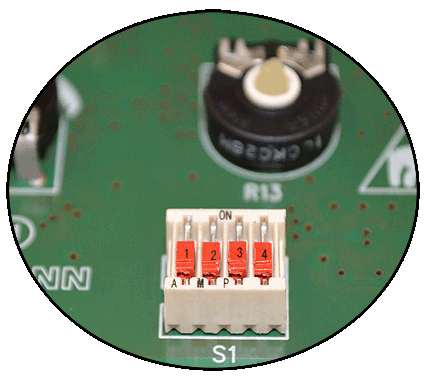
Inspect the 4 dip switches, they should all be in the OFF (down)
position (see note), as shown in the photo below.
position (see note), as shown in the photo below.