WARNING! - Mains voltage is expected during test follow TOPs P4 live testing procedure
Mains Power On
Observation:
At the default screen press the "Menu" button to enter the installer menu. (1)
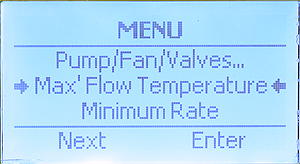
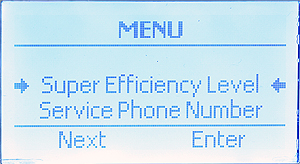
Press the "Next" button (2) repeatedly until arrows are next to "Max' Flow Temperature" (3) then press "Enter" button to view temperature setting.
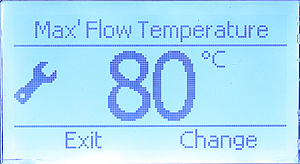
Maximum flow temperature shown. Adjust by required pressing the "Change" button. (4) Once complete press the exit button to return to the default screen.