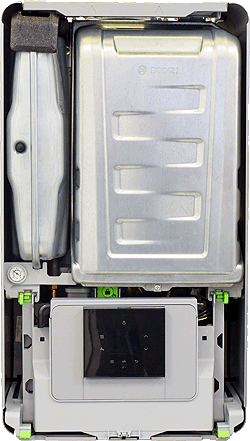
Set Appliance State:
Turn Hot Water Tap On
Set flow rate to 3 l/min
| WARNING! - Mains voltage is expected during test follow TOPs P4 live testing procedure |
Observation:
Access boilers DHW flow rate information:
Enter the service / installer mode - press and hold the tap and radiator symbols simultaneously for 3 seconds.
Select "Info" > "Hot Water"
The DHW flow rate should be displayed.
Is the boiler showing the correct DHW flow rate?
Notes:
1. The flow rate displayed may differ slightly from that set due to the lack of accuracy when using a weir cup, use engineering discretion to ascertain if approximately the correct flow rate is being displayed.
2. The display updates slowly so allow for this delay if altering the flow rate.
Enter the service / installer mode - press and hold the tap and radiator symbols simultaneously for 3 seconds.
Select "Info" > "Hot Water"
The DHW flow rate should be displayed.
Is the boiler showing the correct DHW flow rate?
Notes:
1. The flow rate displayed may differ slightly from that set due to the lack of accuracy when using a weir cup, use engineering discretion to ascertain if approximately the correct flow rate is being displayed.
2. The display updates slowly so allow for this delay if altering the flow rate.