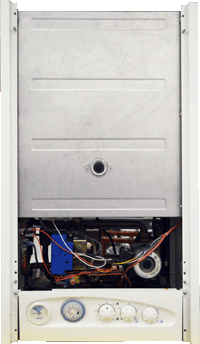
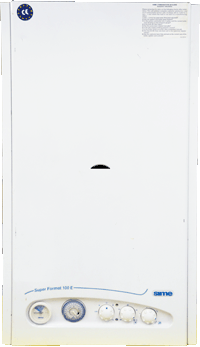
Pull the front panel forwards to release the four panel fasteners.
Remove the 2 screws to lower the facia.
The PCB cover can then be removed (1 screw).
Notes: 1. The side panels and base cover plate can also be removed if required. 2. Super Mk2 appliances will differ in appearance but this does not affect the diagnostics. 3. Super Mk2 appliances require the controls flap lowering and 2 screws removing from the top of the outer case before it can be lifted away.