Set Appliance State:
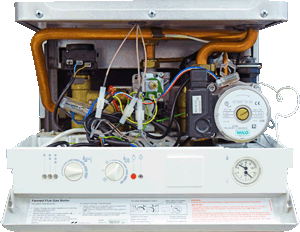
| Isolate Mains Power to appliance as per TOPs P4 |
Set Multimeter to Resistance 
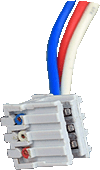
Disconnect connector from flow switch
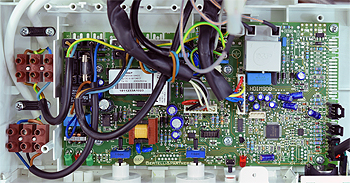
Disconnect connector X2 from the PCB
Disconnect connector X2 from the PCB
Measurement:
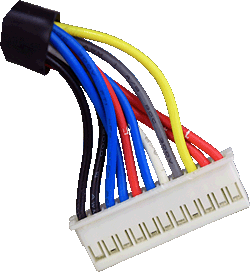
Check for continuity of the harness between the flow switch and the PCB:
White to White (pin 5 on X2).
Blue to Blue (pin 6 on X2).
Red to Red (pin 7 on X2).
Also inspect the overall condition
of the harness.
Note:
Remember if a white PCB is fitted
X2 is in a different position.
White to White (pin 5 on X2).
Blue to Blue (pin 6 on X2).
Red to Red (pin 7 on X2).
Also inspect the overall condition
of the harness.
Note:
Remember if a white PCB is fitted
X2 is in a different position.



Isolate as per TOPs P4
and refit as necessary