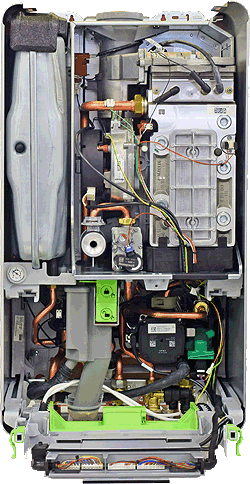
Set Appliance State:
| WARNING! - Mains voltage is expected during test follow TOPs P4 live testing procedure |
Observation:
The central heating pump can be set to operate in two different ways on this appliance.
Energy Saving Mode - when set to this mode the pump will only run when needed based on the outside temperature as measured by the outdoor temperature sensor.
Heat Demand Mode - when set to this mode the pump will run as soon as there is a demand for heat.
Check the settings of the pump control mode as follows:
Access the service menu (press and hold tap and radiator symbol for 3 seconds) then select "settings" > "pump" > "Pump ctr mode" and observe the setting.
Which way is the pump configured?
Energy Saving Mode - when set to this mode the pump will only run when needed based on the outside temperature as measured by the outdoor temperature sensor.
Heat Demand Mode - when set to this mode the pump will run as soon as there is a demand for heat.
Check the settings of the pump control mode as follows:
Access the service menu (press and hold tap and radiator symbol for 3 seconds) then select "settings" > "pump" > "Pump ctr mode" and observe the setting.
Which way is the pump configured?