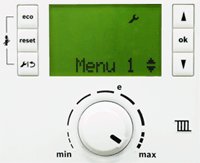
1. Enter the diagnostics test screen by pressing the spanner and OK buttons simultaneously until
Menu 1 is displayed.
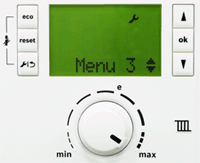
2. Press the up arrow until the required menu (2 or 3) is displayed on the screen then hold down OK until the display changes.
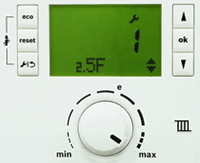
3. Press the up arrow to access required parameter, press OK. Display should then flash.
4. Press the up arrow until parameter has been altered as required and then press OK, a tick should be displayed to confirm the parameter is now changed.