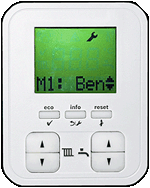
1. Enter the menu screen by pressing the eco and info buttons simultaneously until "M1: Benchmark Menu" is displayed.
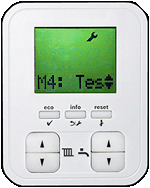
2. Press the DHW up arrow until "M4: Test Menu" is displayed on the screen then press the eco button.
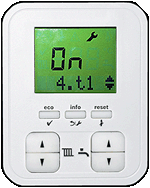
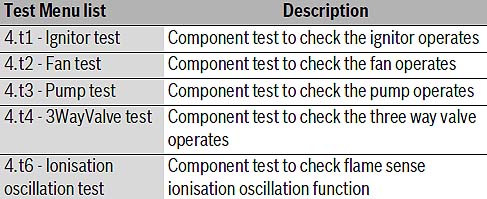
3. Press the DHW up arrow to access required test
(4.t1 to 4.t6) then press eco.
Off should start flashing on the display.
4. Press the DHW up arrow so On is displayed and then press eco, a tick should be displayed briefly to indicate the test mode is now activated.