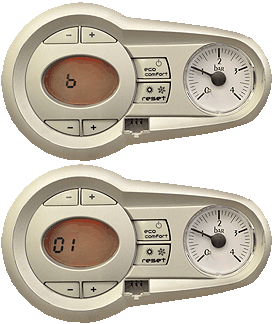
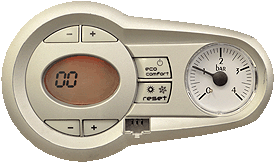
Observation:
| WARNING! - Mains voltage is expected during test follow TOPs P4 live testing procedure |
1. Press the DHW + and - buttons together for 10 seconds, the 'scroll line' will continually alternate on the display during this time, at the end of the 10 seconds b01 will appear on the display.
2. Press the DHW button, the parameter value will appear on the display, to modify the parameter use the DHW buttons to increase or decrease the value, once modified the parameter value will be saved automatically.
3. To access the other parameters press the CH buttons until the desired parameter is reached, use the DHW buttons to select and modify the parameter, repeat this process until all required parameters are correctly set.
4. To exit the boiler configuration parameters, either press the DHW + and - buttons together for 10 seconds, turn the mains power off then on again or wait for it to exit automatically after 2 minutes.