Set Appliance State:
| WARNING! - Mains voltage is expected during test follow TOPs P4 live testing procedure |
Observation:
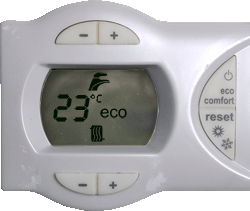
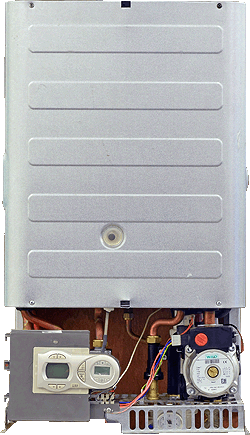
Enter boiler configuration menu by holding the hot water + and - buttons above the screen together until B01 is displayed.
Use the heating + and - buttons to scroll through to parameter B03.
Press either of the hot water + and - buttons once to view the parameter. It should be set to 3. If it is set to any other value use the hot water + and - buttons to adjust it (saves automatically).
Hold the hot water + and - buttons together for 10 seconds to exit the configuration menu.
Note:
Refer to ADAPT for more information on boiler parameters.
Use the heating + and - buttons to scroll through to parameter B03.
Press either of the hot water + and - buttons once to view the parameter. It should be set to 3. If it is set to any other value use the hot water + and - buttons to adjust it (saves automatically).
Hold the hot water + and - buttons together for 10 seconds to exit the configuration menu.
Note:
Refer to ADAPT for more information on boiler parameters.