INSTALLER MODE FOR TEMPERATURE
None
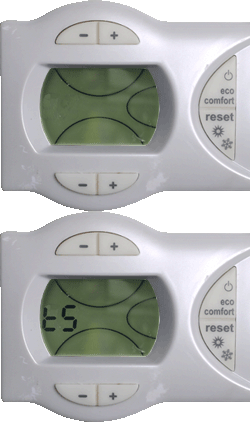

1. Press and hold the "reset" button for 20 seconds "t5" will start to flash in the display.
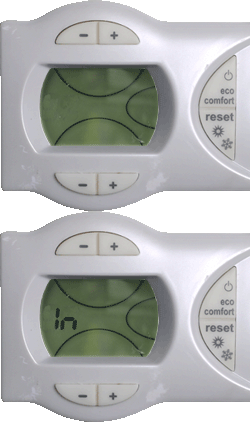
2. Then press the bottom "+" button once "In" will now flash in the display.
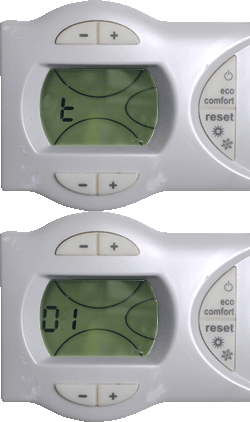
3. Press the "reset" button once, "t01" will now flash in the display.
4. Press the top "+" button once and the primary temperature will now be displayed.
The appliance is now set to display the primary temperature while it operates, press the back button to carry out the test.
To exit installer mode hold the "reset" button for 20 seconds.
To exit installer mode hold the "reset" button for 20 seconds.