Set Appliance State:
| Isolate Mains Power to appliance as per TOPs P4 |
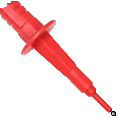
Set Multimeter to Resistance 
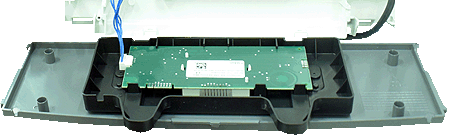
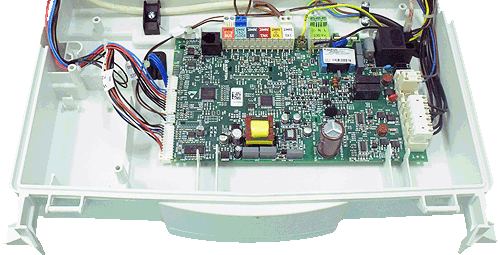
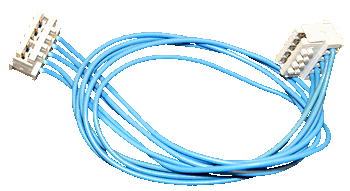
Disconnect the display harness from the main PCB and the display PCB
Note.
For access to the display PCB remove the 4 screws from the front facia then remove
Note.
For access to the display PCB remove the 4 screws from the front facia then remove
Measurement:
Measure the resistance between each of the wires
on the display harness.
Expect continuity / zero resistance on each test.
Also visually inspect the condition of the harness.
on the display harness.
Expect continuity / zero resistance on each test.
Also visually inspect the condition of the harness.

Isolate as per TOPs P4
and refit as necessary