Set Appliance State:
| Isolate Mains Power to appliance as per TOPs P4 |
Set Multimeter to Resistance 
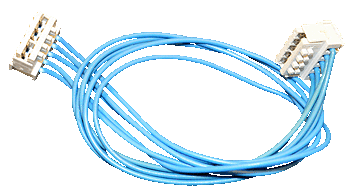
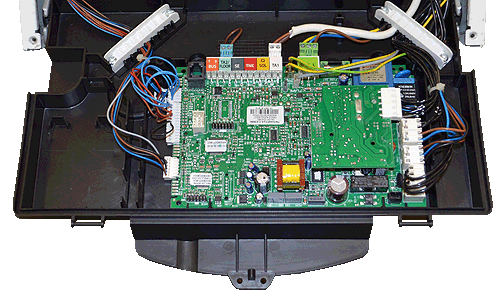
Disconnect the display harness CN14 from the main PCB and the display PCB
Note.
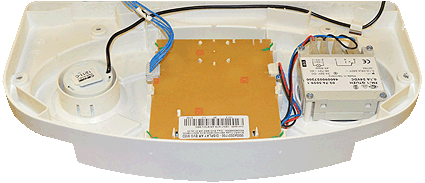
For access to the display PCB remove the two screws from the front facia then remove, be careful not to damage the pressure gauge capillary tube during the process
Note.
For access to the display PCB remove the two screws from the front facia then remove, be careful not to damage the pressure gauge capillary tube during the process
Measurement:
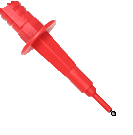
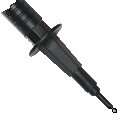
Measure the resistance between each of the wires
on the display harness.
Expect continuity / zero resistance on each test.
Also visually inspect the condition of the harness.
on the display harness.
Expect continuity / zero resistance on each test.
Also visually inspect the condition of the harness.

Isolate as per TOPs P4
and refit as necessary