Set Appliance State:
| Isolate Mains Power to appliance as per TOPs P4 |
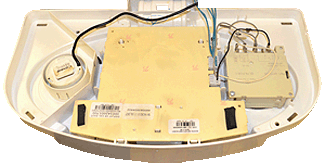
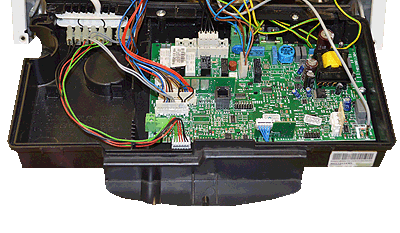
Gain access to the display PCB
Note.
For access to the display PCB remove the 4 screws from the front facia then remove, be careful not to damage the pressure gauge capillary tube during the process
Note.
For access to the display PCB remove the 4 screws from the front facia then remove, be careful not to damage the pressure gauge capillary tube during the process
Observation:
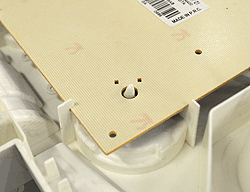
Check for correct spindle alignment into the potentiometer
and that the spindle has not snapped.
and that the spindle has not snapped.


Isolate as per TOPs P4
and refit as necessary