XSol Diagnostic System
Home
← Back
CASE OFF
Set Appliance State:
Isolate Mains Power to appliance as per TOPs P4
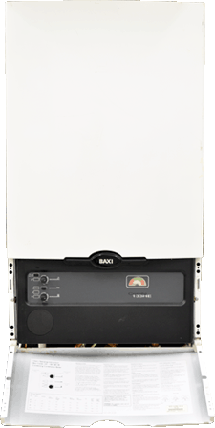
Lower front panel and remove the 2 screws either side of the facia, the case then lifts up and off.
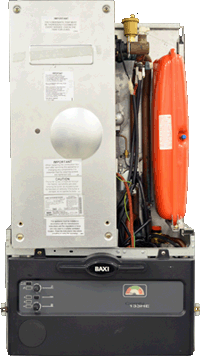
Turn the 4 case screws 1/4 turn anti-clockwise and remove the cover.
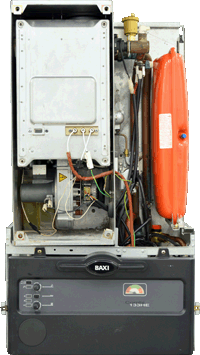
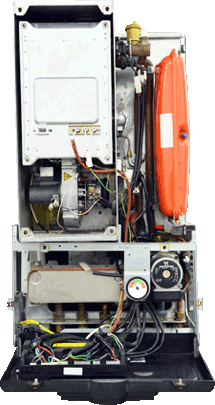
Turn the 2 screws at the top of the facia 1/4 turn anti-clockwise and lower the facia.
The PCB and terminal strip covers can then be removed to expose the connections.
PASS