DIAGNOSTICS CODE GUIDE
None
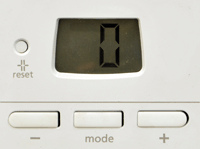
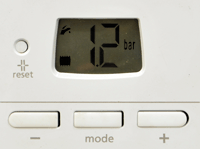
Step 1: Press and hold the mode button for 7 seconds, the display will show the number 0.
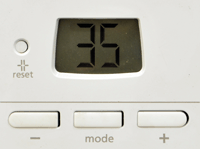
Step 2: Press the +/- buttons as required until 35 is shown in the display - this is the installer password, press the mode button.
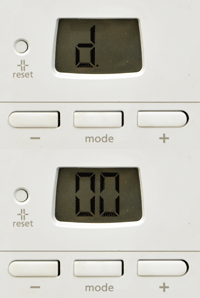
Step 3: d.00 will be displayed this is the first diagnostic code. Using the +/- buttons select the desired diagnostic code then press mode.
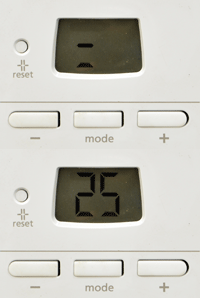
Step 4: The value of the diagnostic code will be displayed alternating with an = symbol, use the +/- buttons to amend the value if necessary.
Step 5: When the desired value is reached press the mode button and the display will revert to the parameter number.
Step 6: Press and hold the mode button for 3 seconds to return to the normal operating mode.