To enter the installer menu and view various levels of menus for information or to check / change settings follow the steps below.
INFORMATION INSTALLER MODE AND MENUS
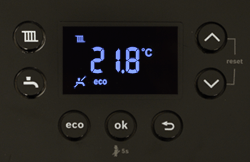
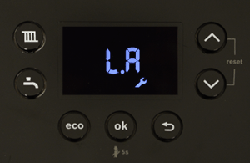
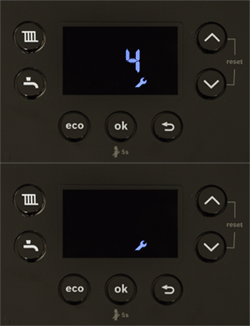
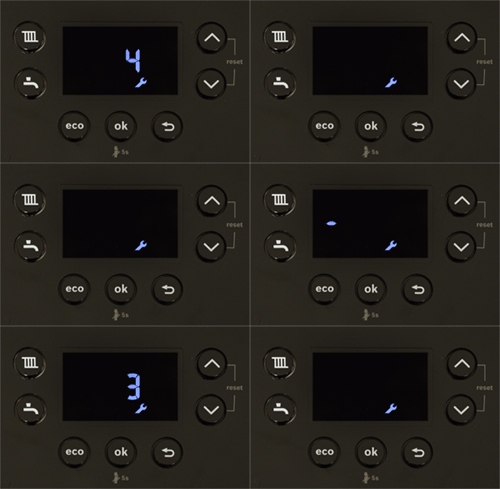
1. Press and hold the radiator and tap symbols until L.A is displayed.
2. This is the first of the menus, use the up and down arrow to select the menu level.
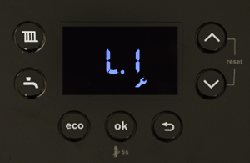
3. When the appropriate menu level is reached (L.1) in this case press OK.
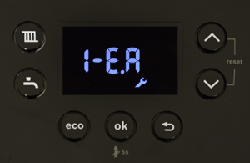
4. The first of the settings 1-E.A is displayed, use the up / down arrows to navigate to the desired setting and press OK.
5. The display will then flash with the current setting or display the current value if information only.
6. When the desired setting is chosen press OK and the display will go to 2 ascending dashes to indicate it has saved the value.
To return a level in the menu use the return arrow, press this repeatedly to exit the menu and return the display to normal.