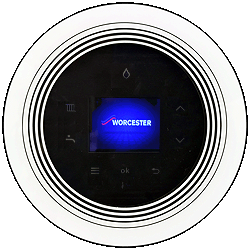
Set Appliance State:
| WARNING! - Mains voltage is expected during test follow TOPs P4 live testing procedure |
Observation:
The pump output on this appliance can be adjusted to match the system requirements.
Having the pump output set too low will cause insufficient circulation.
Check the settings for the pump are appropriate for the system (refer to the manufacturers instructions for pump output graphs).
Enter the service/installer mode by pressing the tap and radiator buttons simultaneously for 3 seconds then select:
"Settings" > "Pump" > "Pump range map"
Are the pump settings appropriate for the system?
Having the pump output set too low will cause insufficient circulation.
Check the settings for the pump are appropriate for the system (refer to the manufacturers instructions for pump output graphs).
Enter the service/installer mode by pressing the tap and radiator buttons simultaneously for 3 seconds then select:
"Settings" > "Pump" > "Pump range map"
Are the pump settings appropriate for the system?