HOW TO ACCESS AND MODIFY THE PARAMETERS
None
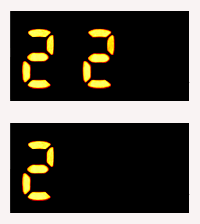
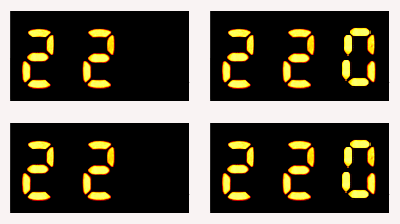

1. Press the menu / OK button, the second digit '2' will flash on the display, this is the sub menu and can be altered using the + or - buttons.
2. Press the menu / OK button, the third digit '0' flashes, this is the parameter and can be altered using the + and - buttons.
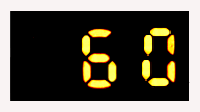
3. Press the menu / OK button, the current parameter value appears, press the + and - buttons to change the value, once modified press the menu / Ok button to save. To exit press the esc button 3 times.
Menu
Sub-menu
Parameter
Parameter value