Set Appliance State:
Mains Power Off
NO demands
| WARNING! - Mains voltage is expected during test follow TOPs P4 live testing procedure |
Observation:
Reset the appliance if required (Press reset button once then release)
If the display does not illuminate or if a series of dashes appear before the display goes blank, then press the power button once briefly.
When the power is switched on the appliance should carry out a self check and then enter standby.
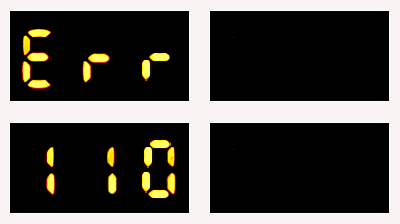
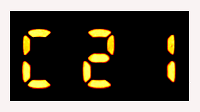
If the appliance has successfully entered standby mode the first figure on the display should be 0 followed by the temperature - e.g. 021
If the display does not illuminate or if a series of dashes appear before the display goes blank, then press the power button once briefly.
When the power is switched on the appliance should carry out a self check and then enter standby.
If the appliance has successfully entered standby mode the first figure on the display should be 0 followed by the temperature - e.g. 021