Set Appliance State:
CH Demand
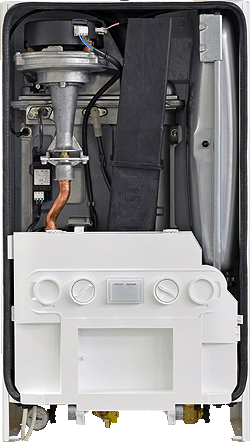
Turn the CH temp control knob to the 10 o'clock position
| WARNING! - Mains voltage is expected during test follow TOPs P4 live testing procedure |
Observation:
Set boiler to maximum rate as follows:
Once boiler has lit quickly turn the CH control knob fully clockwise, back to 10 o'clock, then fully clockwise again.
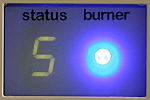
'S' should now be displayed and the boiler will fire at minimum rate.
Set the boiler to maximum rate by turning the control knob quickly to the 10 o'clock position and back fully clockwise one more time.
(Display will not change but you should be able to hear boiler modulate up to maximum)
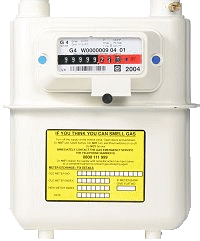
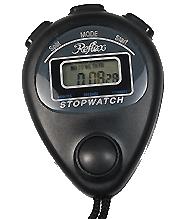
Carry out a gas rate as per TOPs / company procedures.
Is the gas rate correct for the appliance data plate?
Note:
To take the boiler out of service mode remove the demand or adjust control knob.
Once boiler has lit quickly turn the CH control knob fully clockwise, back to 10 o'clock, then fully clockwise again.
'S' should now be displayed and the boiler will fire at minimum rate.
Set the boiler to maximum rate by turning the control knob quickly to the 10 o'clock position and back fully clockwise one more time.
(Display will not change but you should be able to hear boiler modulate up to maximum)
Carry out a gas rate as per TOPs / company procedures.
Is the gas rate correct for the appliance data plate?
Note:
To take the boiler out of service mode remove the demand or adjust control knob.